

Over the past month, the Polimapper technical team has been hard at work implementing key improvements to enhance usability and ensure a smoother experience across the platform. Here’s what’s new:
New Features
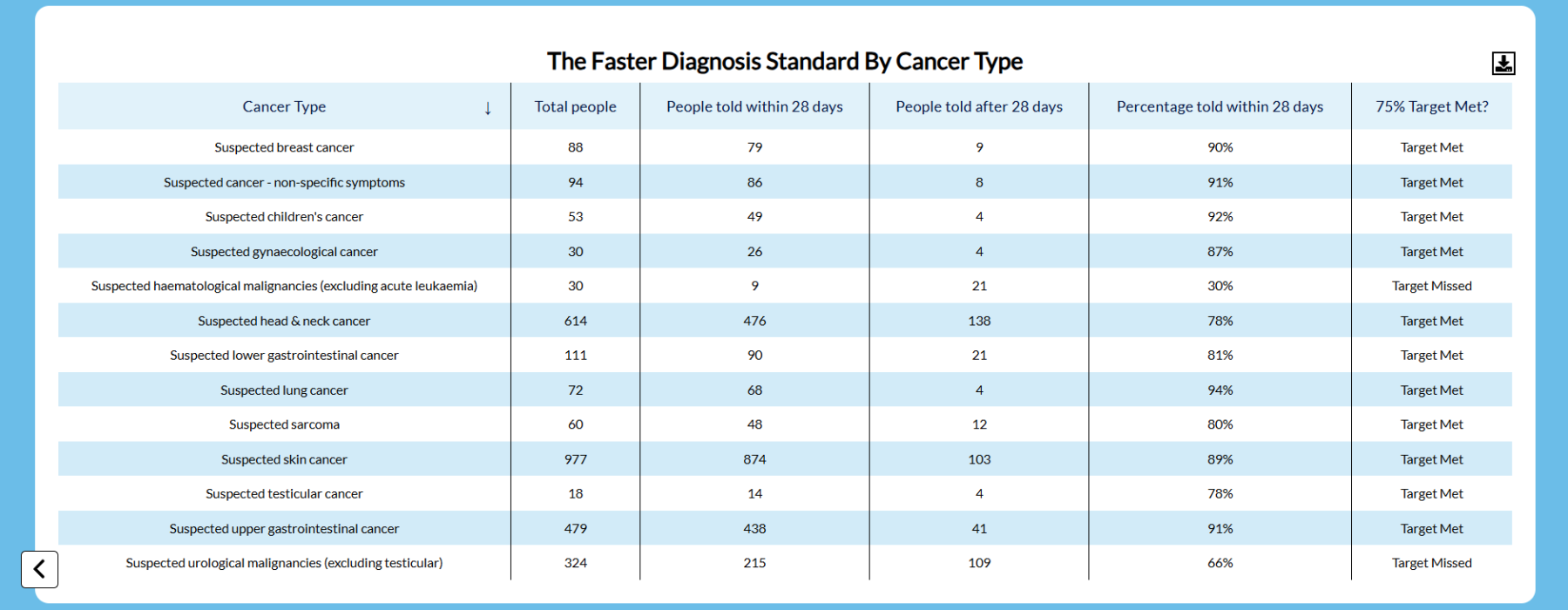
Table Download
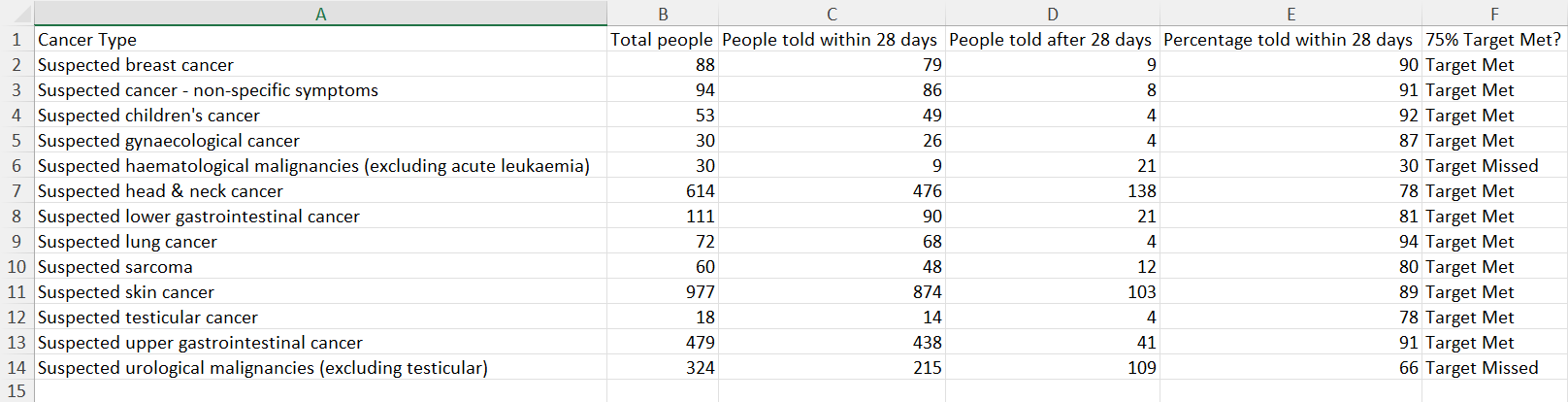
We’ve introduced the ability to download tables with a single click. Now, users can export tabular data as a CSV file..
📌 How it works:
- A new download button appears next to tables, enabling viewers to instantly retrieve data for their selected area.
- CSV exports consolidate all included data into a single sheet for easy reference.
- This feature can be enabled or disabled in the back-end, offering flexibility in table accessibility.
Multiline Line Graphs
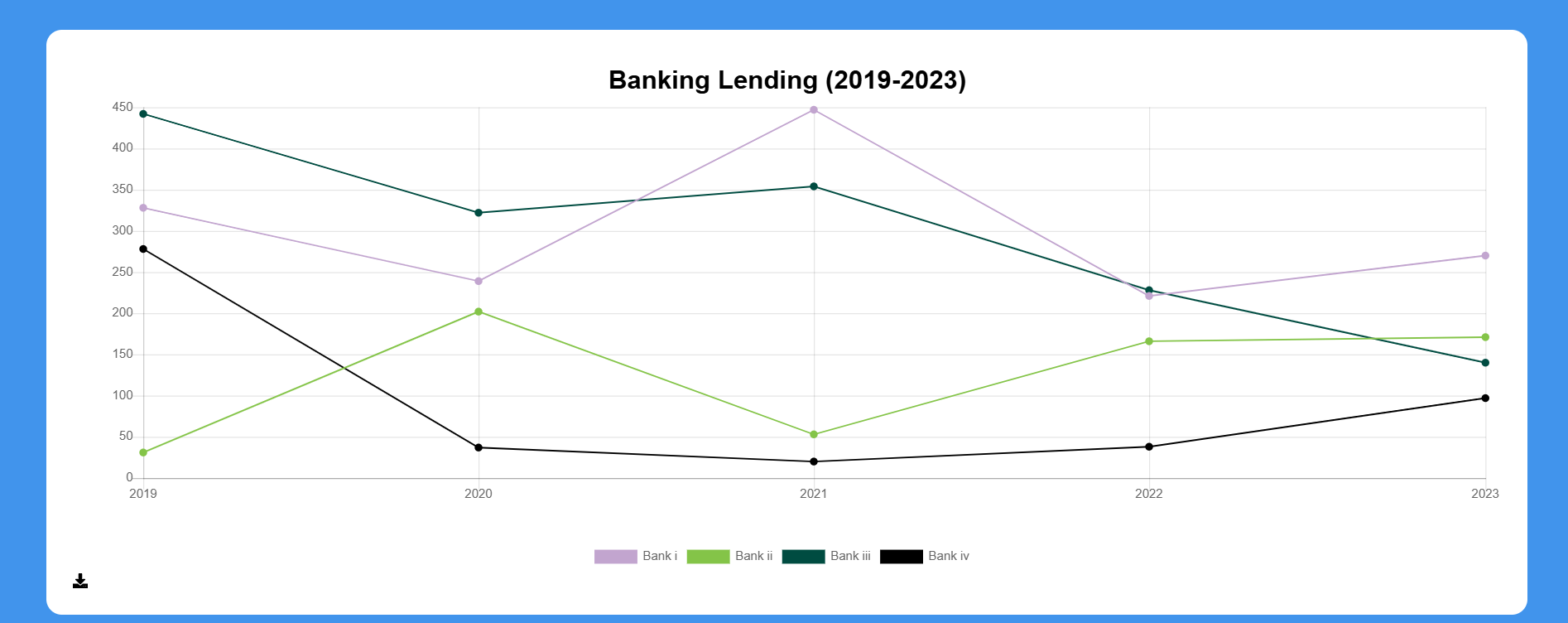
Building on our charting capabilities, we’ve expanded support for multi-line graphs on local area pages. This enhancement is particularly useful for visualising time-series data, making it easier to compare multiple localised trends within a single chart.
📌 How it works:
- Users can now plot multiple data points in a single line graph for side-by-side comparisons.
- In the backend, simply select the data field representing the comparable variable, and Polimapper will handle the rest.
- This update improves clarity when analysing trends across different locations or time frames.
Enhancements & Fixes
Google Analytics Tracking
We’ve refined Google Analytics integration to ensure more accurate tracking of user interactions across the platform.
Mobile Layout Improvements
- Resolved issues affecting layout responsiveness on mobile devices, improving usability across different screen sizes.
- Adjustments made to text and UI scaling for a better viewing experience.